Starred integrates with Tellent Recruitee through Kombo, a third-party integration layer that handles the connection between your ATS and Starred.
Before you start:
-
Make sure you have admin access in both Tellent Recruitee and your Starred account.
- Follow the steps described in this Kombo guide to set up your profile in Tellent Recruitee.
Step 1: Start the integrations setup in Starred
Go to Settings → Integrations in your Starred account and select Recruitee from the list of available integrations.
This will launch the Kombo connection flow.
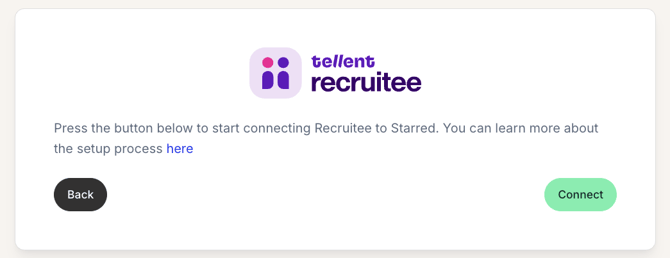
-
Click Connect
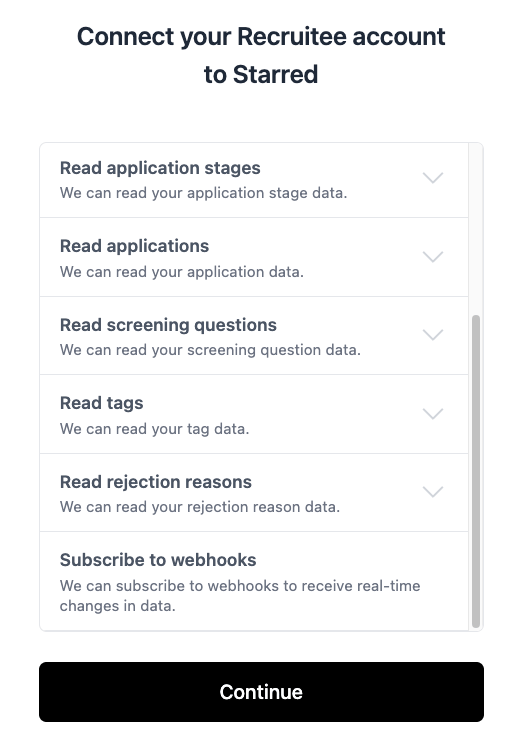
- In the next screen, click Continue
Step2: Add API Key and Company ID
In the next page
-
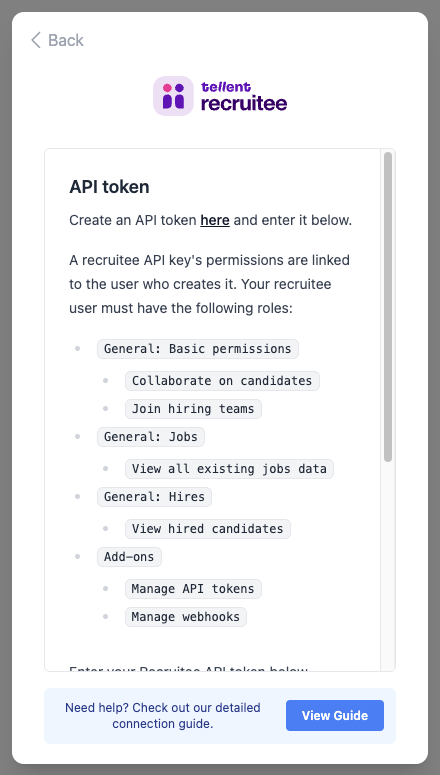
Add your Recruitee API token that you created following the guide linked above.
-
Add your CompanyID, also found in Recruitee.
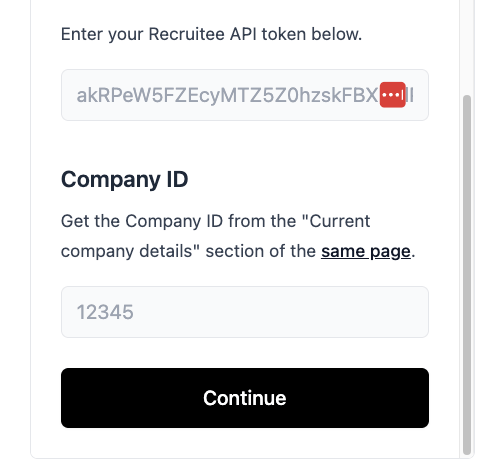
- Click on Continue
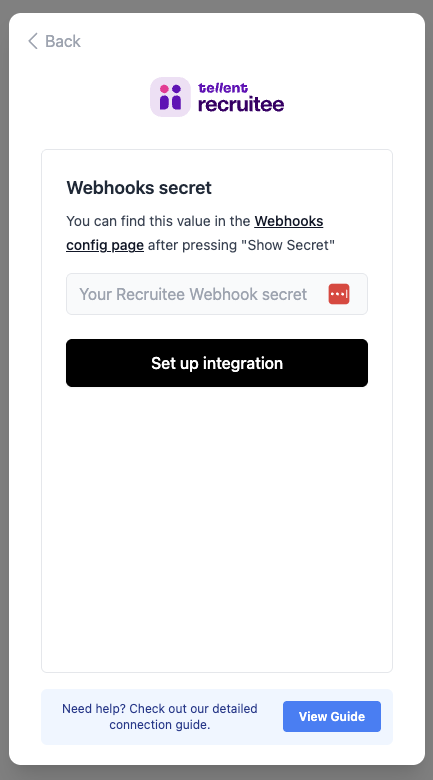
Step 3: Add your Tellent Recruitee webhook secret
-
Click Set Up Integration
-
You're all set!