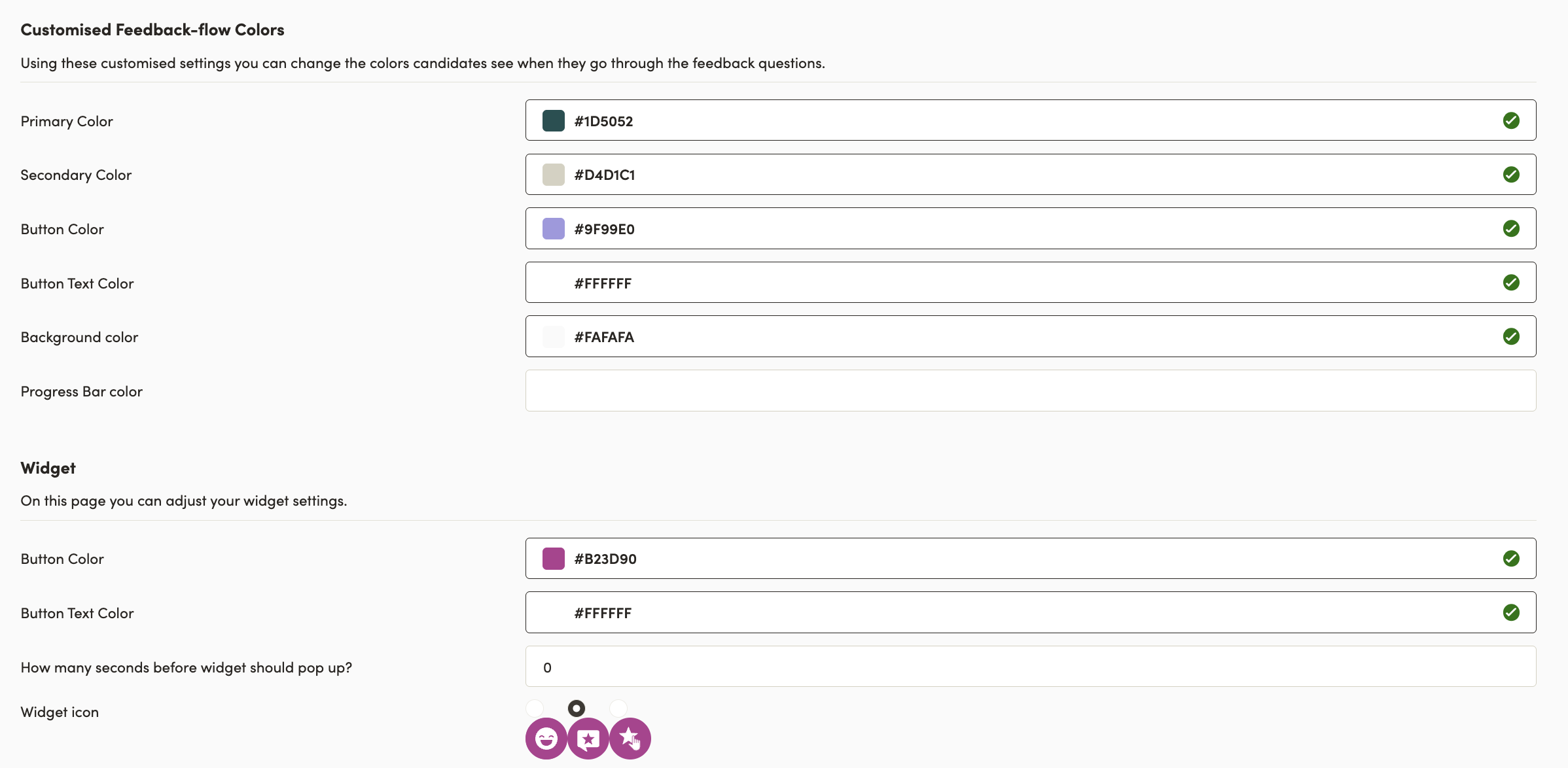
Important note: Only admin users can edit the icon for the pop-up survey 🔒
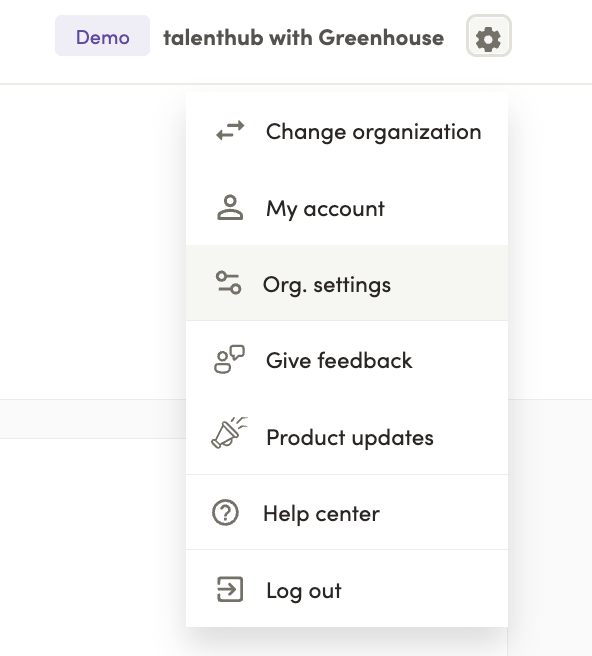
When you are logged in to Talenthub, go to the Settings page by clicking the ⚙️ icon and then clicking Org. settings in the top right corner:

Next click on Data collection in the left side navigation bar:
Scroll to the bottom of the page and select the desired icon. You can also adjust colors as shown below: