
If a candidate asks to stop receiving survey invitations, they can unsubscribe directly from the invitation email.
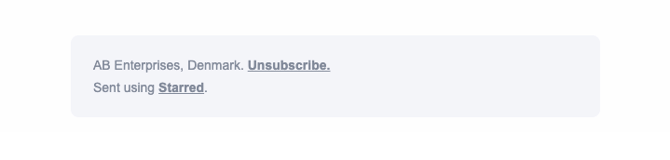
Starred includes an Unsubscribe link at the bottom of every survey invitation email, allowing recipients to manage their communication preferences themselves.
🔧 How respondents can unsubscribe
-
Open the survey invitation email.
-
Scroll to the bottom of the email.
-
Click Unsubscribe.
-
On the preferences page, uncheck:
“I want to receive feedback invitations via Starred.” -
Click Save to confirm their preferences.
✅ Once saved, the contact will no longer receive survey invitations.
ℹ️ Important notes
-
The unsubscribe action applies to future survey invitations.
-
The candidate manages this preference themselves.
-
[add info on resubscribing]
If a respondent continues receiving invitations after unsubscribing, please contact Support for assistance.