
You can access your Invitations Overview page directly from your Survey Overview.
From this page, you can:
-
View invitation details
-
Cancel scheduled invitations
-
Disable reminders for already-sent invitations
- Overwrite invitations to update respondent data
View invitation details
When you click on an invitation batch, you will see detailed information about that specific batch, including:
-
Who sent the batch and when it was sent
-
Whether the reminder is enabled or disabled
-
The number of recipients and the number of responses received
-
The invitation text content displayed below the batch details
Cancel scheduled invitations
If an invitation batch has not been sent yet, you can cancel it:
-
Open the invitation batch.
-
Click the orange Cancel button.
📘 Note: it is not possible to view recipient email addresses in a scheduled batch.
Disable reminders for already-sent invitations
If you do not want to send a reminder for an already-sent invitation, you can disable it:
-
Open the invitation batch.
-
Click Disable Reminder.
📘 Important: once a reminder is disabled, it cannot be reactivated. The reminder can only be disabled within 2 days after the original invitation was sent. After that, disabling is no longer possible.
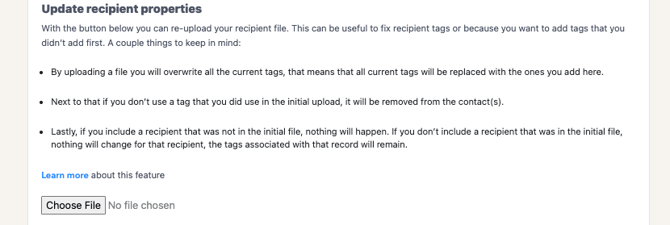
Overwrite invitations to update respondent data
This feature allows you to:
-
-
Add custom fields to respondents.
-
Correct or overwrite incorrect custom field values after invitations have been sent.
-
Sent Invitations FAQs
Can I download a full list of sent invitations?
No, that is not possible.
How do I view the recipient of the invitation?
Simply click on the invitation batch from the overview and scroll to the bottom. If you do not see an email address, it's probably due to privacy settings in your account or the invitation hasn't been sent yet.